

Redirect Link: Definition, Types, and Implementation


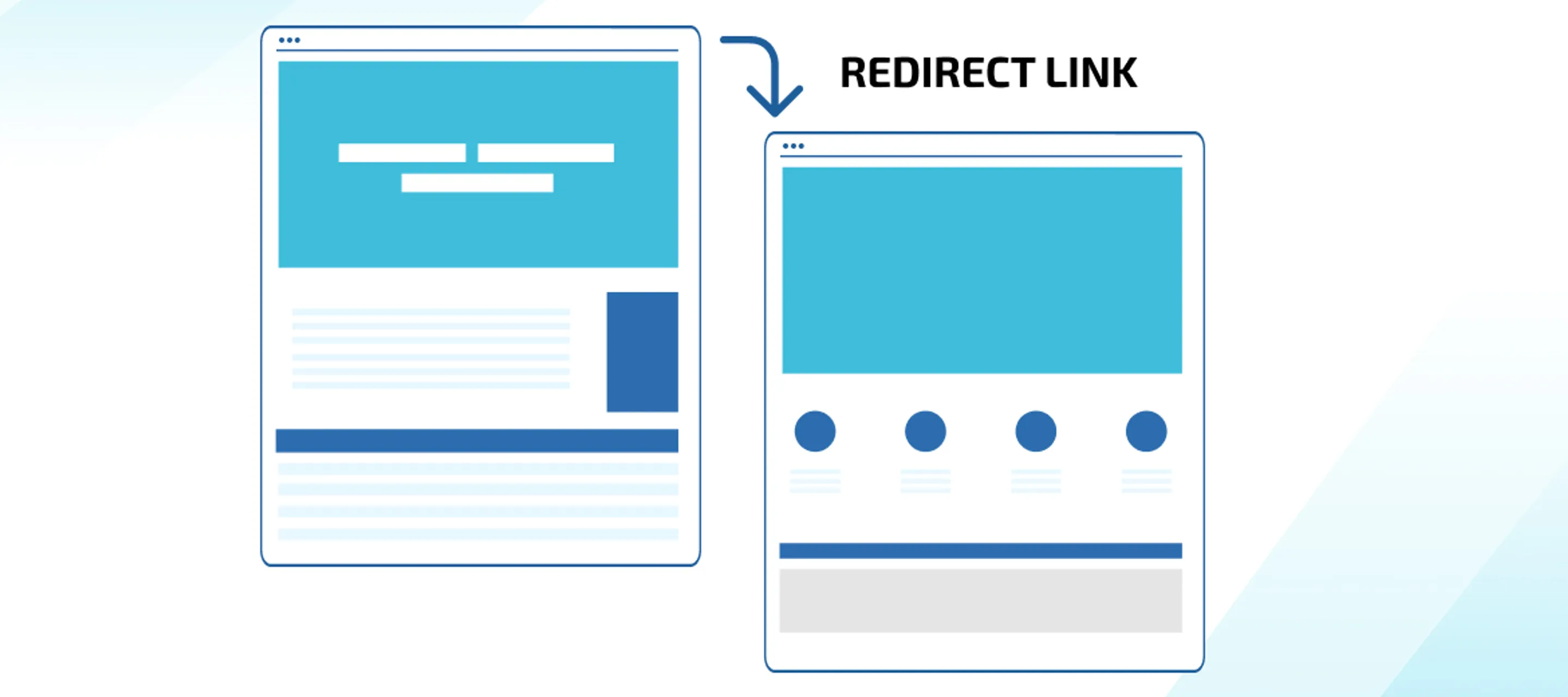
In a website, a redirect link is an action taken to redirect a website from one address to another. Therefore, the link will change once the site page has been loaded. Redirect links not only help readers access websites, but this method is also used as an SEO technique.
By using this technique, a managed website is believed to be able to survive for a long time on Google's pages. In fact, according to several sources, the effectiveness level of this redirect link reaches 99 percent.
Understanding Redirect Link
As mentioned earlier, a redirect link is a technique used to direct website visitors to a different page than the original intention. The term redirect can also be interpreted as a redirection.
Therefore, website links are set up to redirect to different pages. To make it easier to understand, as an illustration, there is a website with the address okedeh.com, then redirected and changed to ohiya.com.
In simple terms, a redirect link is a redirection of visitors from a link owned by a website page to another site. This website redirection is done due to several changes, ranging from deleting some pages, simplifying URL structures, and so on.
Types of Redirect Links
Redirect links have several types. Each type of redirect link has its own role. Here are some important types of redirect links for you to know.
1. Redirect 301
The first type is redirect 301, redirect 301 is a permanent movement of a page or website owned by a site from one address to another. However, it should be noted that search engines generally require a long time to recognize the new site being targeted.
Generally, redirect 301 is used in several conditions, such as changing the old web domain name to a new one, wanting to create centralized site links, and having two identical web pages and wanting to optimize one of them.
2. Redirect 302 Temporary
Next is the redirect 302 temporary. As the name suggests, this temporary redirect 302 also has a temporary nature. Thus, you will only make a temporary redirection before eventually returning to the previous URL.
This type of redirect makes search engines not used to index the target link like redirect 301, but the original link. In addition, the redirect 302 temporary is also done in several conditions, such as running maintenance, wanting the original URL to remain indexed, and others.
3. URL Frame
This type is a masked redirect. Visitors will see the same URL as they typed in the search engine, even though they are actually opening a different URL.
Not only that, as the name suggests, this URL frame does not redirect to a specific page, but displays its frame. Generally, hiding the original domain in this way is often used by users who use free hosting services.
When using free hosting, you must use a subdomain, unless you upgrade to a premium package. However, if you use paid hosting services and prioritize SEO, it is better to avoid this step.
The same content on two separate links can cause duplicate content. This can make search engines choose one URL that may not fit your plan. You should remember that not all hosting providers allow this type of redirect.
4. Meta Refresh
What about meta refresh? This type is different from other types. This is because meta refresh occurs on the visitor's side. Meta refresh uses a unique tag placed in the HTML document head.
This step is effective for displaying ads while the timer is running, but meta refresh is rarely used as the primary choice. This is because meta refresh can reduce the credibility of the website because visitors may assume that their website has security issues.
Not only that, this type of redirect link can also have a negative impact on SEO. In fact, search engines sometimes only consider it as spam. If left unchecked, this can cause the website to stop being indexed.
Implementation of Redirect Link
To implement a redirect link, here are the steps that can be taken:
Open hPanel in the domain category, then select redirection.
Later, you will find the "create redirection" section, then enter the URL to be redirected in the redirection column and the destination of the redirection in the "redirect to" column.
Make sure the information written is correct and choose the appropriate connection, whether to use HTTP or HTTPS.
Once done, click "create", then check again in the "list of redirections" to ensure that the information is correct.
Once redirected, you will be able to see the target URL when accessing the original URL. Also, you have to wait a few minutes for this redirect link to work fully.
Several steps above must be done throughout cPanel.
Reasons to Implement Redirect Link
You might be wondering, why should you go through the redirect link process? Here are some benefits that will be obtained when implementing a redirect link, including:
1. URLs Can Be Much Shorter
Long URLs owned by a website can make some people less interested in clicking on that URL. With this redirect link, you can prepare the URL to be used later.
With a changed or shorter URL, website visitors will be more interested. In addition, the website is also easier to remember by several people.
2. Avoid Confusion
Don't be mistaken, redirecting links can also be used to bury the source link or old URL that is no longer used. Thus, visitors will slowly recognize the target link and forget the old link that may no longer be used.
3. To Ensure that the Website Can Be Accessed
When a link cannot be accessed and displays a blank page, people generally hesitate to look for another URL alternative. To avoid this, a redirect link is needed to ensure that the error page will not appear again on the visitor's page.
4. Maintain Site Ranking
The redirect link method is also used to maintain site ranking. Therefore, you don't need to worry if the website that has been built and ranked on Google's pages is wasted.
Redirect links can maintain website ranking by moving a specific website and containing a new permanent address. Therefore, the website will continue to maintain its previous ranking.
Is Implementing Redirect Link Difficult?
For those who have never taken this step, it may be quite difficult. To avoid this, you can actually entrust this matter to WEBARQ. WEBARQ is a trusted digital marketing agency that has more than 10 years of experience in the field.
With experience in handling issues for more than hundreds of clients, the quality provided by WEBARQ is unquestionable. So, what are you waiting for? Achieve your business success with WEBARQ.